

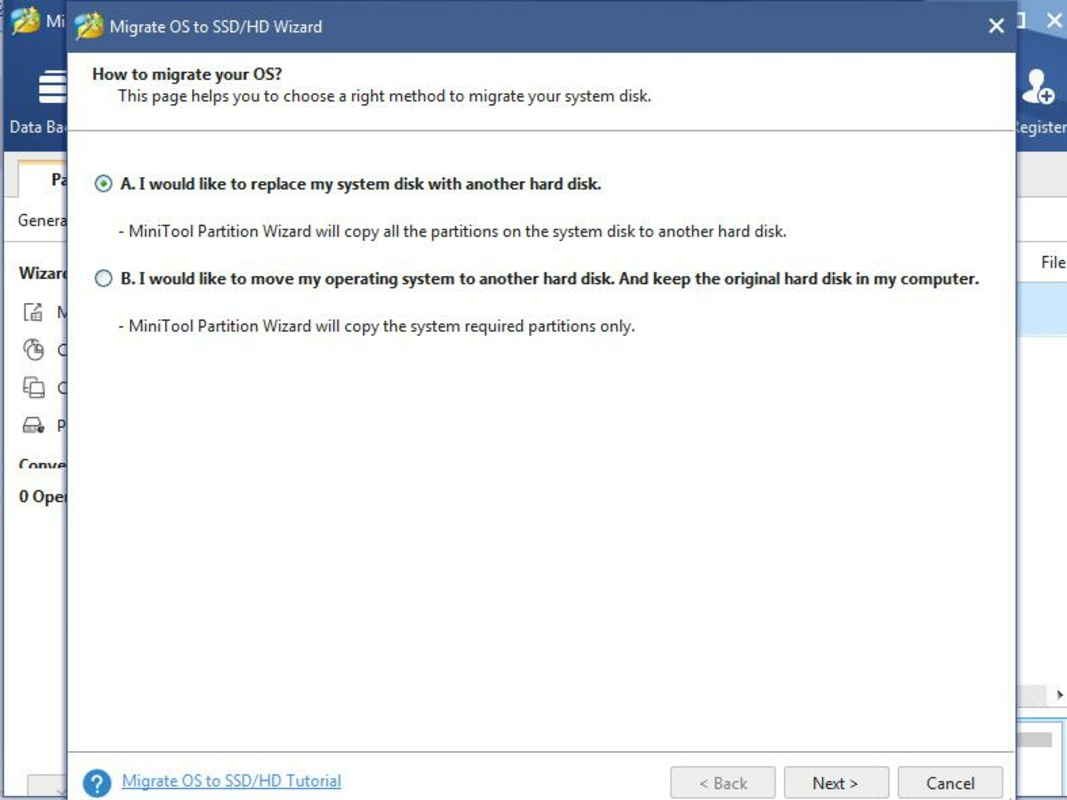

Description
Download MiniTool Partition Wizard Free – Partition Recovery, Data Restoration, Disk Management Tool
Overview
MiniTool Partition Wizard Free is a dedicated utility designed to assist users in recovering lost or deleted partitions on their storage drives. The application serves as a reliable solution for individuals who have accidentally formatted a drive, experienced system crashes, or faced unexpected disk corruption. Its primary purpose is to restore access to critical data by scanning and retrieving erased partitions without altering the original file structure. This makes it particularly valuable for both casual users and professionals managing sensitive data across multiple devices.
Target users include home users dealing with accidental data loss, small business operators managing local servers, and IT technicians seeking a lightweight, no-cost recovery tool. The developer, MiniTool Software, has positioned this tool within the utilities category, emphasizing its role as a specialized disk management and recovery solution. While the developer did not provide additional technical details about their background, the app’s consistent updates and stable performance suggest a focused development team dedicated to data integrity and user support.
Real-world use cases include recovering documents after a system reset, retrieving photos from a corrupted external drive, or restoring a partition after a failed OS installation. In the broader app ecosystem, MiniTool Partition Wizard Free fills a niche gap by offering a free, no-strings-attached alternative to commercial data recovery software, making advanced disk recovery accessible to a wider audience.
Key Features & Functionality
- Customizable Scan Options: Users can choose between a quick scan for faster results or a full scan for deeper analysis. The tool also allows selective scanning of specific drive areas, enabling targeted recovery efforts.
- User-Friendly Interface: The software features a clean, intuitive layout that simplifies the recovery workflow. Even users without technical experience can navigate the tool with minimal effort.
- Efficient Recovery Process: Once a lost partition is detected, users can restore it with a single click, minimizing downtime and reducing the risk of further data loss.
- Non-Destructive Recovery: The software operates without modifying the original data, ensuring that recovered files remain intact and unaltered during the process.
- Support for Multiple Drive Types: The tool is compatible with internal hard drives, SSDs, and external storage devices, providing broad applicability across different hardware configurations.
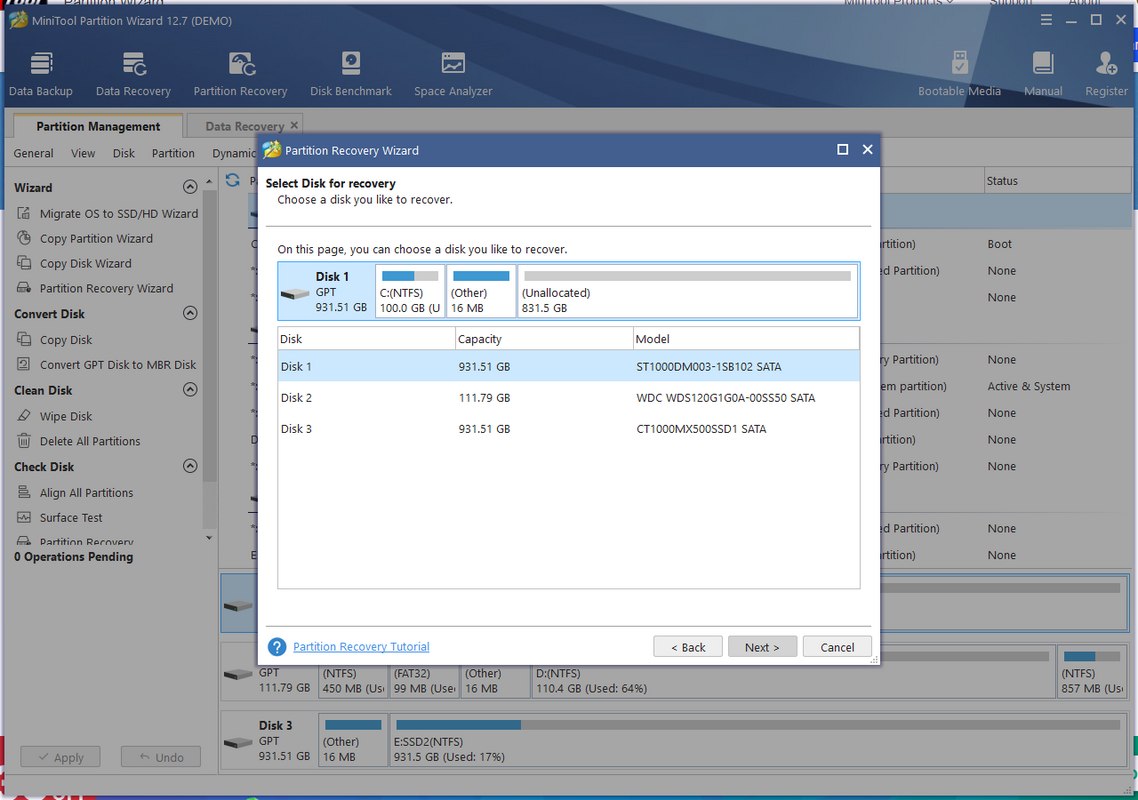
For example, a user who accidentally deleted a partition containing family photos can use the quick scan to locate the data within minutes. If the drive was previously formatted, the full scan option ensures no recovery opportunity is missed. The interface guides users step-by-step, reducing the chance of errors during the recovery phase. This functionality is especially beneficial in high-pressure situations where time and data integrity are critical.
Interface, UX & Performance
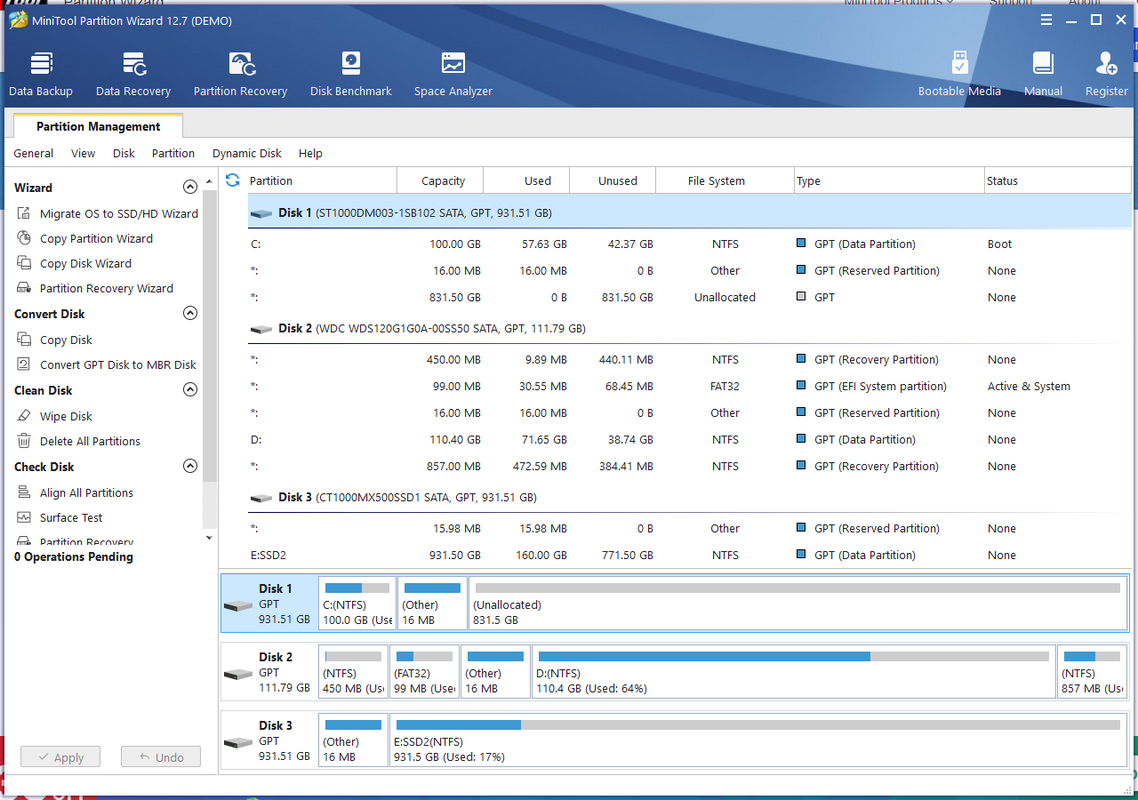
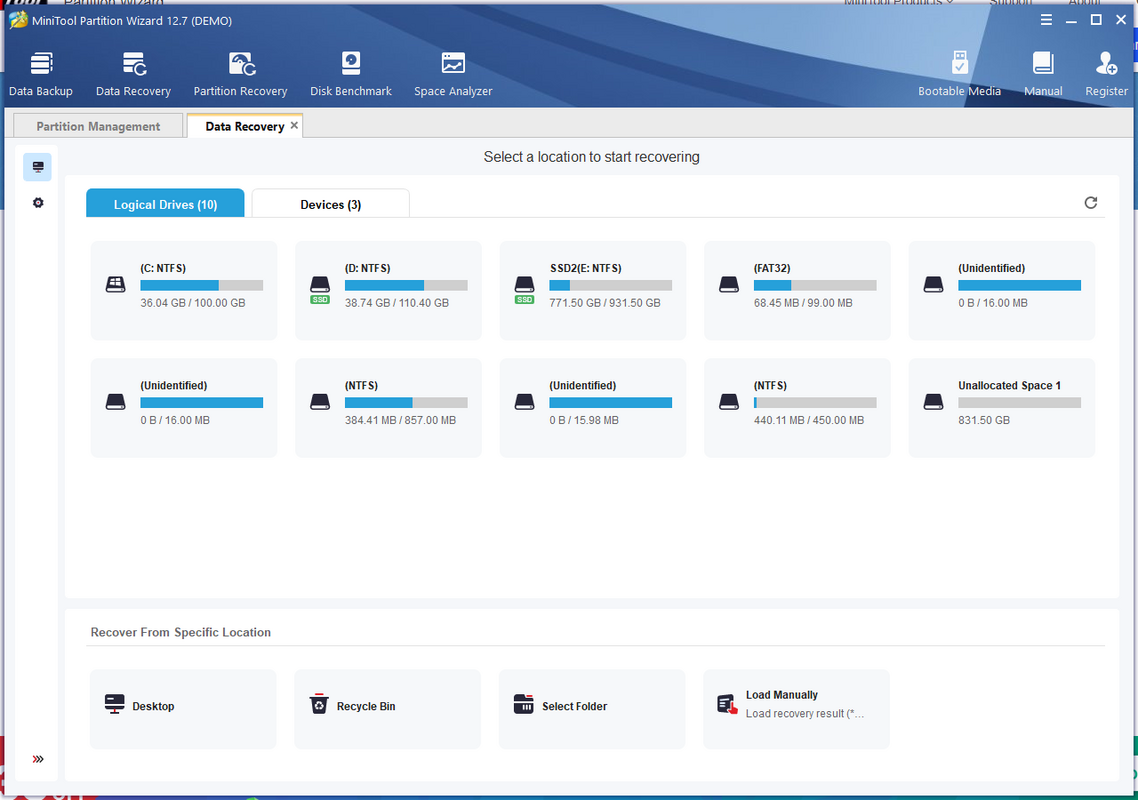
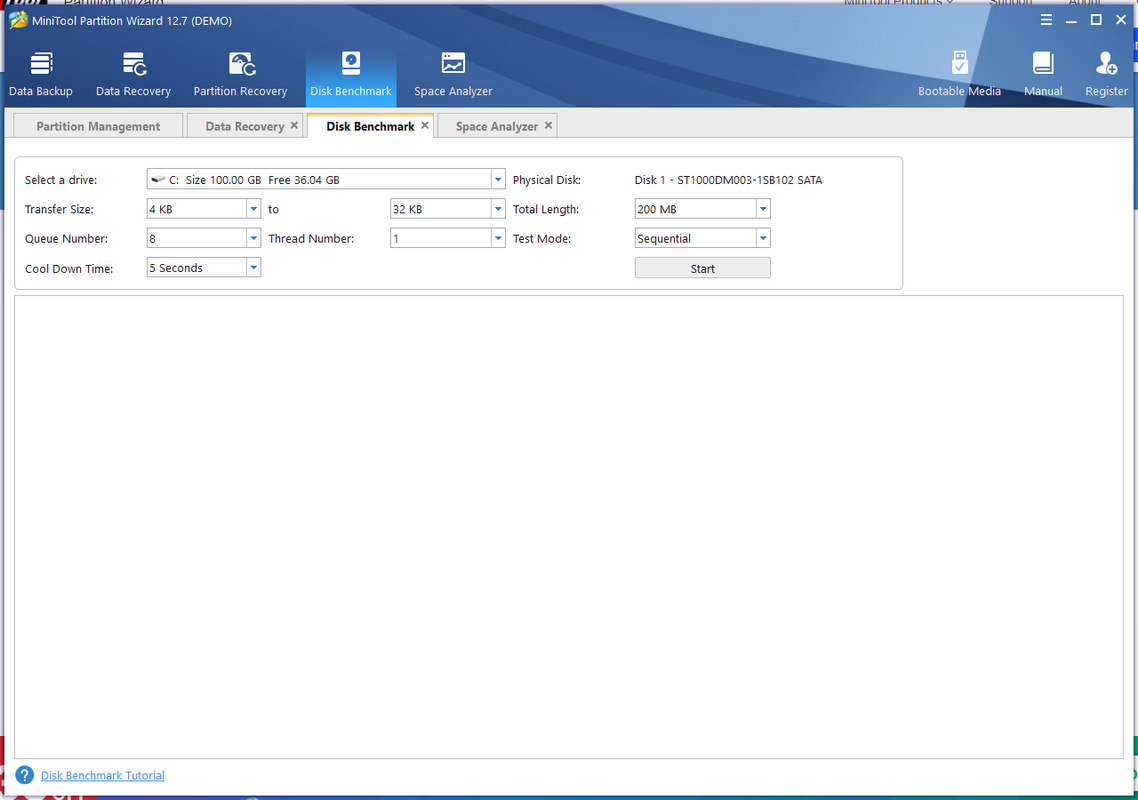
The user interface of MiniTool Partition Wizard Free is designed with simplicity and clarity in mind. The main dashboard presents essential functions in a logical layout, with clearly labeled buttons and visual indicators for scan progress and recovery status. Navigation is linear and consistent, minimizing user confusion and reducing the learning curve.
Although the developer did not list formal performance metrics, the application demonstrates responsive behavior during scan operations and maintains stability even on older systems. The software operates efficiently without excessive memory usage, ensuring smooth performance across various device categories. Users report minimal lag during scanning and quick response times when initiating recovery actions.
Responsiveness is maintained throughout the workflow, from the initial drive selection to the final recovery confirmation. The tool does not freeze or crash during typical use cases, indicating strong internal stability. While the developer did not specify minimum OS requirements or compatibility details, the application runs reliably on Windows systems, suggesting broad compatibility with modern desktop environments.
Platform Compatibility & Technical Requirements
MiniTool Partition Wizard Free is designed for the Windows platform and is compatible with current versions of the Windows operating system. The application has a file size of 60.7 MB, making it lightweight and quick to install. The current software version is 11.5, released on April 4, 2024.
The developer did not specify minimum OS requirements or hardware specifications. Compatibility information was not fully disclosed. However, the application’s lightweight nature suggests it can function effectively on systems with modest resources. Users are advised to ensure their system meets standard Windows installation requirements for optimal performance.
Pros and Cons
Pros
- Free to download and use with no hidden costs
- Offers both quick and full scan options for flexible recovery
- Simple, intuitive interface suitable for non-technical users
- Non-destructive recovery process preserves original data integrity
- Supports multiple drive types including SSDs and external devices
Cons
- Platform limited to Windows only; no support for macOS or Linux
- Developer did not provide detailed system requirements
- Advanced features may be restricted in the free version
- No built-in backup functionality included
- Not available as a mobile app or cloud-based service
FAQ
Is MiniTool Partition Wizard Free safe to use?
Yes, the software is designed to operate without modifying the original data, ensuring a safe recovery process. It is widely used by individuals and professionals without reported data corruption issues.
Can I recover data from a formatted drive?
Yes, the tool supports recovery of data from drives that have been formatted, including NTFS, FAT32, and exFAT partitions.
Does the app work on all Windows versions?
The developer did not specify compatibility details for all Windows versions. However, the application is known to function on recent Windows releases.
Is there a mobile version available?
No, MiniTool Partition Wizard Free is currently only available for Windows desktop systems. There is no mobile or iOS/Android version.
How often is the software updated?
The latest version, 11.5, was released on April 4, 2024. The developer maintains regular updates to improve performance and fix potential bugs.
Final Thoughts
MiniTool Partition Wizard Free stands out as a dependable, no-cost solution for users facing partition loss or data corruption. Its customizable scanning, intuitive interface, and efficient recovery process make it an ideal tool for both beginners and experienced users. The non-destructive nature of the recovery ensures data safety, while its lightweight design allows for quick deployment on various systems.
While the app is limited to Windows and lacks mobile support, its core functionality delivers strong value in the utilities category. For anyone seeking a secure, straightforward way to restore lost partitions, this tool offers a compelling combination of accessibility and reliability.
Download MiniTool Partition Wizard Free now
Guides & Tutorials for MiniTool Partition Wizard Free
How to install MiniTool Partition Wizard Free
- Click the Preview / Download button above.
- Once redirected, accept the terms and click Install.
- Wait for the MiniTool Partition Wizard Free download to finish on your device.
How to use MiniTool Partition Wizard Free
This software is primarily used for its core features described above. Open the app after installation to explore its capabilities.
User Reviews for MiniTool Partition Wizard Free 0
No reviews found


